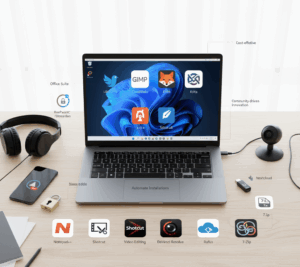
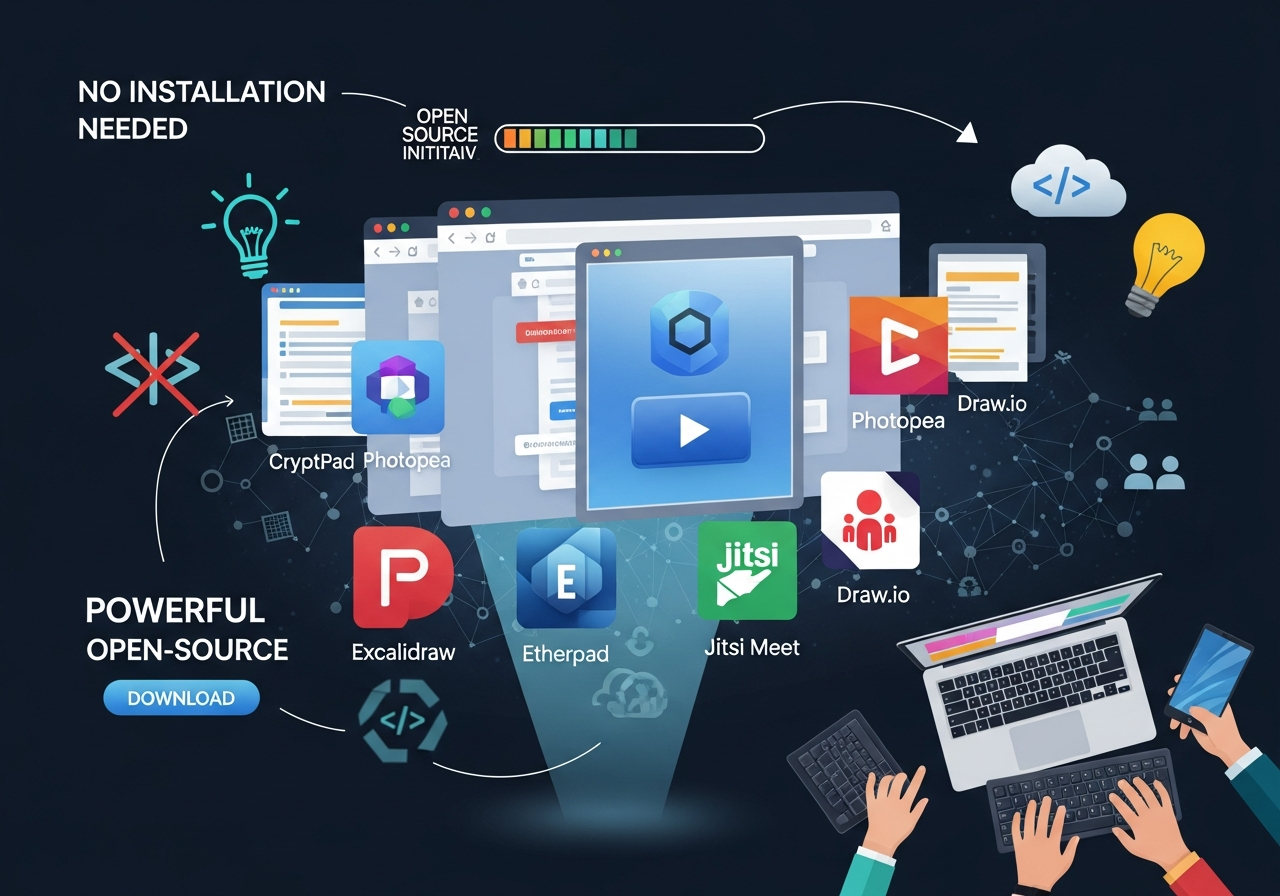
There was a time when getting any real work done meant installing heavy software, dealing with updates, and hoping everything worked smoothly on your system. Today, that approach is quietly being replaced by something far more convenient: open-source web apps that run entirely in your browser.
These tools allow you to create, edit, plan, and collaborate without downloading a single thing. For freelancers, small business owners, students, and teams, this shift removes friction and makes digital work faster and more flexible. Below, we explore some standout open-source web apps you can use instantly, what they are best for, and where they fit into everyday workflows.
CryptPad – Private Collaboration Without Compromise
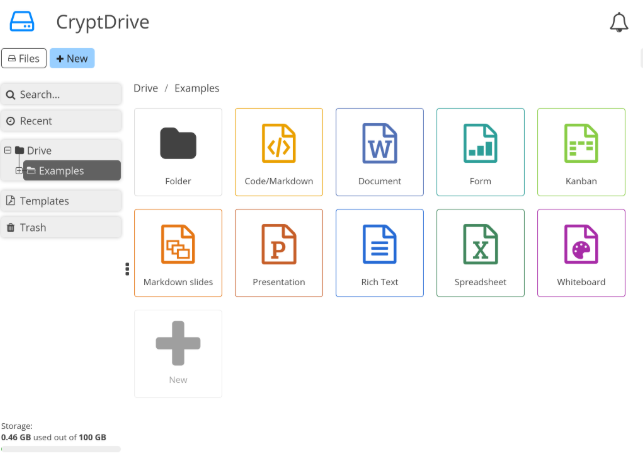
CryptPad is a privacy-first online office suite that allows users to create documents, spreadsheets, presentations, and forms directly in the browser. What sets it apart is its strong focus on encryption, meaning even the platform itself cannot read your data.
Best Used For:
- Collaborative documents
- Internal team notes
- Sensitive business information
Pros:
- Strong privacy and encryption
- Real-time collaboration
- No account required for basic use
Cons:
- Interface is simpler than Google Docs
- Fewer advanced formatting features
For small teams handling sensitive data, CryptPad offers peace of mind without sacrificing collaboration.
Photopea – Browser-Based Image Editing
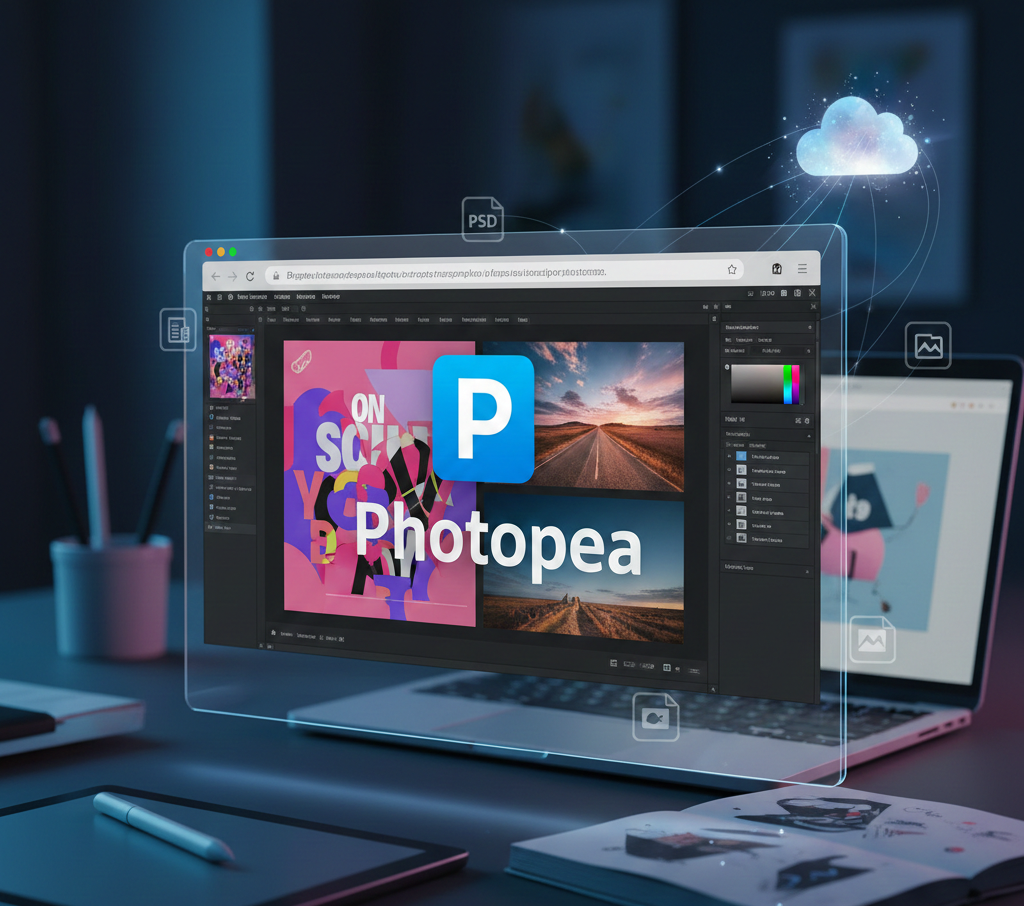
Photopea is a surprisingly powerful image editor that runs entirely online. It supports PSD, XCF, Sketch and other professional file formats, making it ideal for quick design tasks without installing software like Photoshop.
Best used for:
- Social media graphics
- Quick photo edits
- Working with PSD files
Pros:
- Supports professional file formats
- Familiar interface for designers
- No installation required
Cons:
- Ads on the free version
- Performance depends on browser and device
For marketers and content creators, Photopea is a lifesaver when you need quick edits on the go.
Excalidraw – Simple Visual Thinking
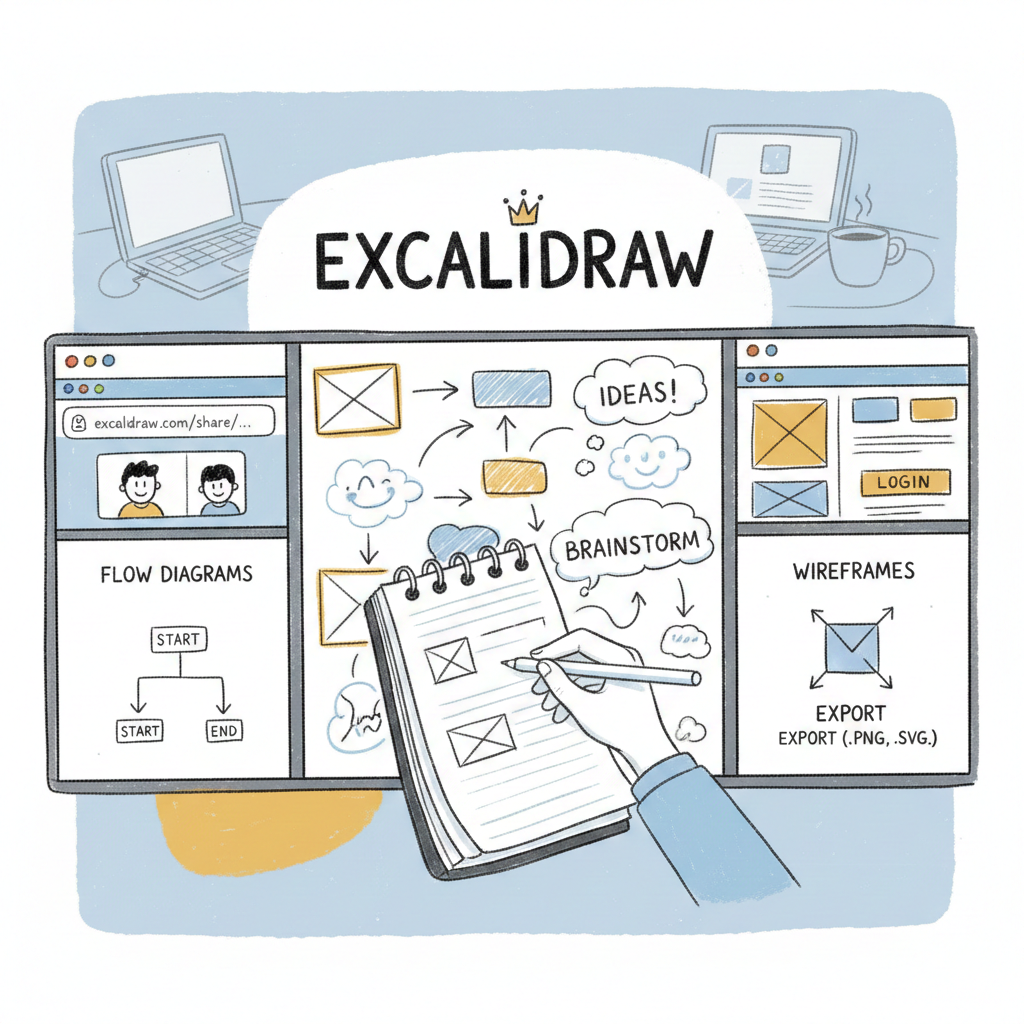
Excalidraw is a hand-drawn style whiteboard tool designed for brainstorming and explaining ideas visually. It is lightweight, fast, and easy to share with others through a link.
Best used for:
- Wireframes
- Flow diagrams
- Team brainstorming
Pros:
- Clean, distraction-free interface
- Real-time collaboration
- Exportable diagrams
Cons:
- Not suitable for highly polished designs
Excalidraw is ideal when clarity matters more than visual perfection.
Etherpad – Real-Time Collaborative Writing
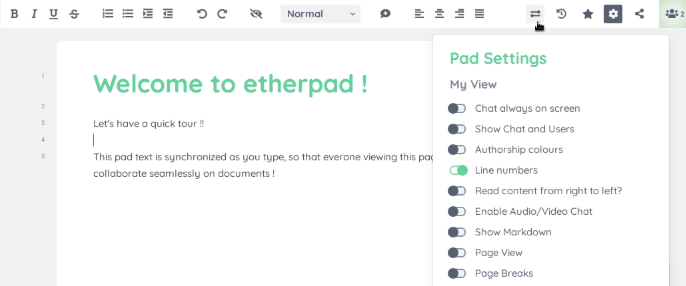
Etherpad focuses on one thing: collaborative text editing. Multiple users can write and edit the same document at the same time, with changes highlighted by author.
Best used for:
- Meeting notes
- Drafting content with a team
- Live workshops
Pros:
- Extremely lightweight
- Real-time multi-user editing
- Open-source and widely supported
Cons:
- Basic formatting options
- Not ideal for complex documents
Etherpad shines in live collaboration scenarios where speed matters.
Jitsi Meet – Video Meetings Without Accounts
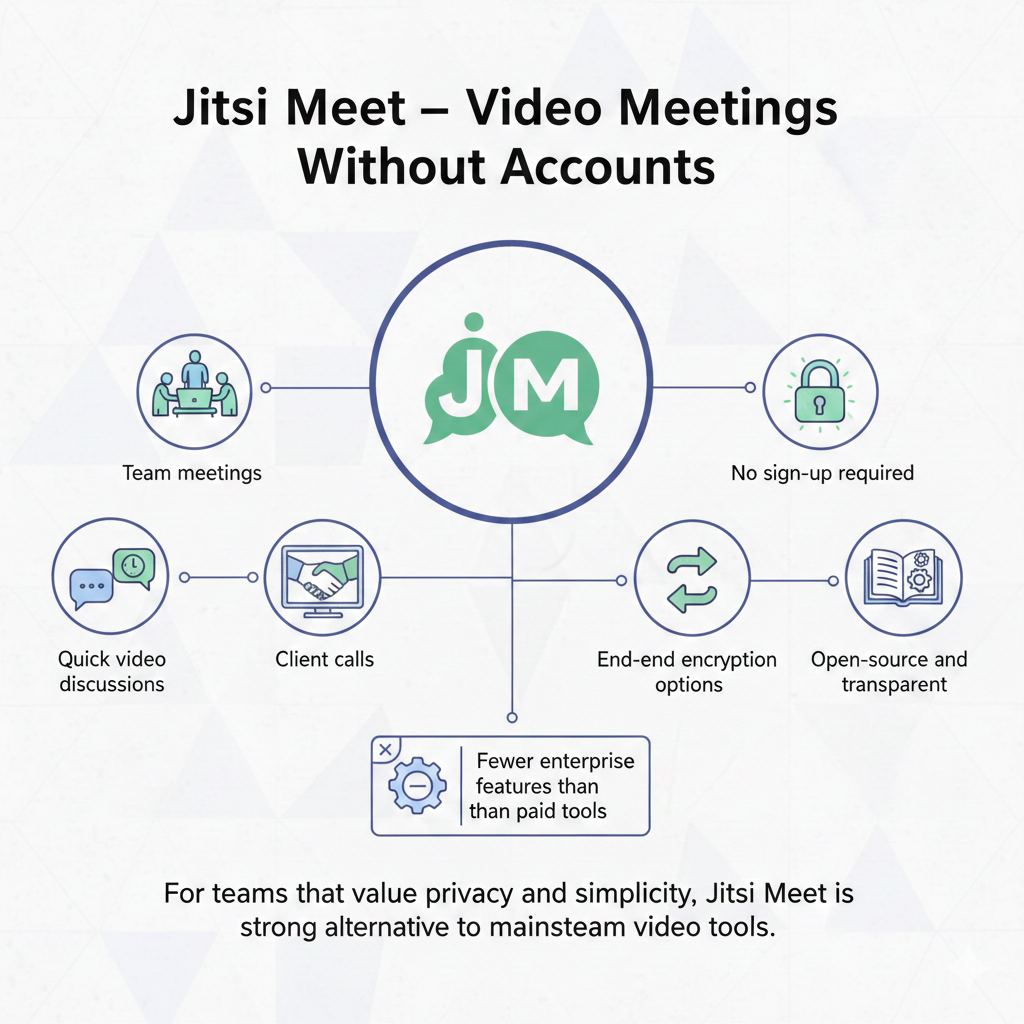
Jitsi Meet provides secure video conferencing directly in your browser. There is no need to create an account, and meetings can be launched instantly.
Best used for:
- Team meetings
- Client calls
- Quick video discussions
Pros:
- No sign-up required
- End-to-end encryption options
- Open-source and transparent
Cons:
- Fewer enterprise features than paid tools
For teams that value privacy and simplicity, Jitsi Meet is a strong alternative to mainstream video tools.
Draw.io – Diagrams Made Easy
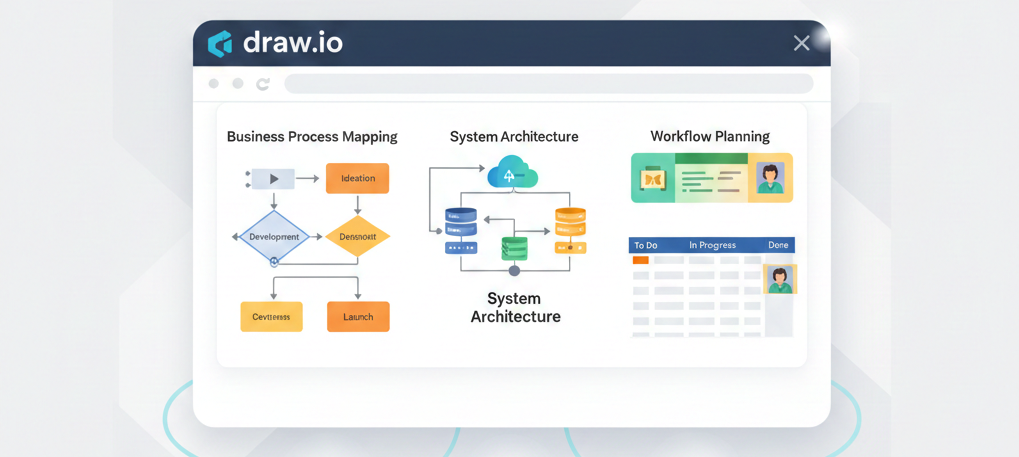
Draw.io (also known as diagrams.net) allows users to create flowcharts, system diagrams, and process maps directly in the browser. Files can be saved locally or integrated with cloud storage.
Best used for:
- Business process mapping
- Technical diagrams
- Planning workflows
Pros:
- Powerful diagramming features
- Works entirely online
- Integrates with cloud platforms
Cons:
- Can feel overwhelming for first-time users
This tool is particularly useful for documenting systems and explaining processes visually.
Why These Tools Matter
The common theme across these tools is accessibility. They lower the barrier to productivity by removing installation, licensing, and compatibility issues. For small businesses, this means quicker onboarding, lower costs, and more flexible workflows.
While desktop software still has its place, browser-based open-source tools are more than capable for everyday tasks. They are especially valuable for remote teams, freelancers, and businesses that want simplicity without sacrificing functionality.